Food Truck QR Codes: Menu, Location, and Reorders Without a POS Upgrade
How food trucks use dynamic QR codes for menus that update with the daily special, a location code that tells fans where you're parked, and reorder links that build repeat business.
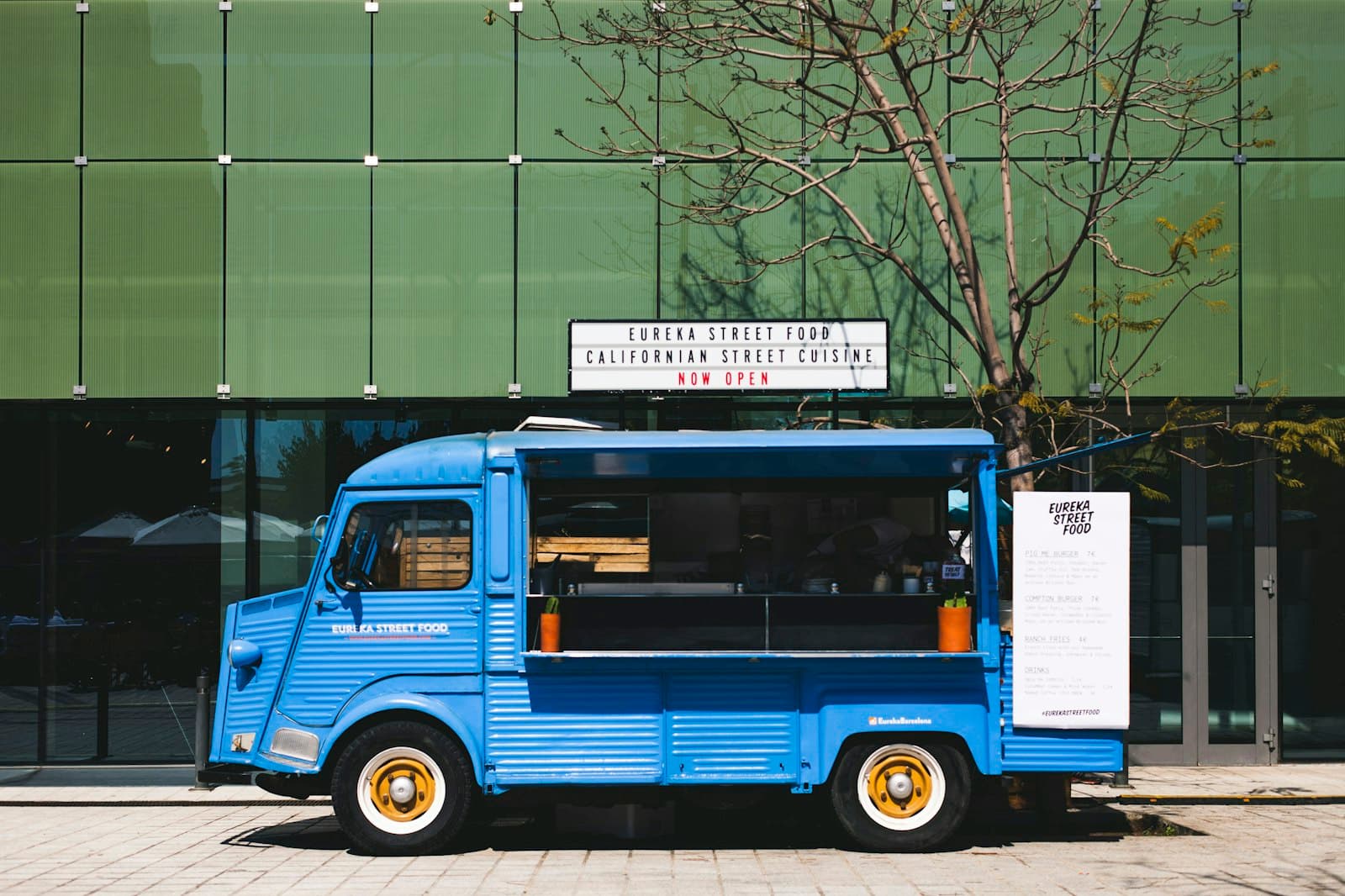
A food truck changes more in a week than a restaurant does in a year. The menu shifts with what's fresh, the daily special is decided that morning, the parking spot is different every shift, and the line moves fast enough that anything slowing down an order costs real money. Printed menus and a fixed website can't keep up with any of that.
Dynamic QR codes are almost purpose-built for the way a truck operates. One code on the window, one on the flyer, one on the cup — each pointing to a destination you update from your phone between the lunch and dinner rush. Change the special, change the location, change the whole menu, and every code updates without reprinting a thing.
This guide covers the three highest-value uses — menu, location, and reorders — plus the practical setup for a truck that's moving, outdoors, and busy.
1. A menu that changes with the day's special
The window menu board is expensive to change and always slightly wrong. Sold out of the pork? The board still lists it. New special? It's scrawled on a whiteboard nobody reads from the back of the line.
A QR code on the truck window, pointing to a mobile menu page, fixes both. Customers scan while they wait, browse the full menu with photos, and see today's special at the top. When you sell out of something, you gray it out on your phone in five seconds — no more taking orders for food you don't have.
Because it's dynamic, the same sticker carries you through every menu you'll ever run. Seasonal change, price bump, limited-time collab — you edit the destination, the window sticker stays put. For the full step-by-step on building the menu page itself — layout, photos, sizing, placement — see how to create a QR code menu for restaurants; everything there applies to a truck, just on a smaller surface.
2. A location code that tells fans where you're parked
This is the use case a restaurant doesn't have and a truck lives or dies by. Your regulars want to know: where are you today?
A single dynamic QR code — printed on flyers, loyalty cards, cups, and stamped on last week's takeout bag — can point to a live "where we're parked today" page. Every morning you update the destination with today's spot, hours, and a map pin. Fans who scan the code on their coffee cup from yesterday see today's location.
Pair it with your social bio link so the same code works whether someone found you on Instagram or off a flyer. One code, one source of truth for "where's the truck." Update it once at the start of the shift and every printed touchpoint you've ever handed out now points to the right corner.
3. Reorder and loyalty links that build repeat business
The hardest part of a food truck isn't the first sale — it's the second. Customers love you, then can't find you, then forget. A QR code on the cup, the bag, or the receipt closes that loop.
Point it at whatever brings them back:
- A reorder or pre-order page if you take ahead-of-time orders.
- A loyalty signup — "scan for a free drink on your 5th visit."
- Your location + schedule page so they can catch you next week.
- A newsletter or SMS list for "we're at the brewery Friday" blasts.
Because the destination is dynamic, you can run a "free side this week" promo through the exact same code that pointed at your menu last week — no new stickers, no reprint.
4. WiFi and dwell-time extras (for parked/lot setups)
If you park somewhere people linger — a brewery lot, a food-truck park, an office plaza — a WiFi QR code lets customers connect to your hotspot with one scan. More dwell time means more second orders and dessert.
We cover the static WiFi QR setup in full — including why it's one of the few cases where static is the right call — in WiFi QR codes for cafes and coworking spaces.
Static or dynamic for a truck?
For a food truck, the answer is almost always dynamic, because almost everything about a truck changes:
- Menu → dynamic. It changes constantly, and scan counts tell you how many people are looking.
- Location → dynamic. This is the whole point — you update it every shift.
- Reorder/loyalty/promos → dynamic. You'll want to swap what it points to.
- WiFi password → static is fine (it rarely changes, and it works offline).
For the full comparison, see dynamic vs static QR codes: which should you use in 2026?.
Print and placement for a truck
A truck is the harshest environment on this list — full sun, weather, grease, and customers scanning from a moving line. Rules that hold up:
- Outdoor vinyl, not paper. UV-laminated vinyl stickers survive sun and rain for a season. Bare paper taped to the window lasts one rainy shift.
- Window code: 8 × 10 cm. People scan from a meter back in a line. Bigger than you think. A tiny code on a busy window gets ignored.
- Matte laminate. A glossy code on a sunlit window is unscannable — the glare wins. Matte every time.
- Eye level, on the order side. Not up by the awning, not down by the wheels. Where a person standing in line naturally looks.
- Quiet zone. Leave clear white space around the code — at least 10% of its width. Don't crowd it with your logo or menu text.
- On the cup and bag, keep it small but clear — 2 × 2 cm minimum, and make sure your print vendor doesn't shrink it below that.
For the full sizing math by scan distance, see QR code size for print: the complete guide.
What you can track
Every dynamic scan logs a timestamp, rough location, and device. For a truck that's unusually useful:
- Scans by spot. Compare Tuesday's brewery lot against Thursday's office plaza. Park where the scans are.
- Scans by time. When does the line actually form? Staff and prep accordingly.
- Menu vs location scans. Lots of location scans and few menu scans means people are checking where you are more than what you're serving — lean into the "where's the truck" content.
- Repeat traffic. A rising scan baseline week over week means your reorder loop is working.
You see counts, not identities — no names unless someone signs up through a form on the destination. For the full analytics walkthrough, see how to track QR code scans.
Common mistakes
- A static menu code. Freeze the menu and you're back to graying out sold-out items with a Sharpie. Always dynamic.
- Tiny window code. A 3 × 3 cm code on a busy truck window from a meter away won't scan. Go big — 8 × 10 cm.
- Glossy lamination in the sun. The single most common food-truck scan failure. Matte only.
- Forgetting to update the location. The location code is only as good as this morning's update. Make it the first thing you do when you park.
- One code trying to do everything. Don't cram menu + location + loyalty into a single code with a menu of links. Two codes — "Menu" and "Where we are / come back" — is plenty.
A 1-week rollout
- Day 1: Build a mobile menu page and a "today's location" page (your site, a Notion page, or a link-in-bio tool — whatever's fastest).
- Day 2: Create two dynamic QR codes in QRDyno — one for the menu, one for location/comeback.
- Day 3: Order matte UV vinyl stickers — a big one for the window, small ones for cups and bags.
- Day 4: Mount the window code at eye level on the order side. Test-scan in full sun on iPhone and Android.
- Day 5–7: Update the location page each morning. Watch the scan counts by spot and time.
By the end of week one you'll know which parking spots your fans actually scan from — and you'll never reprint a menu board again.
Tying it together
A truck's whole advantage is that it moves and adapts faster than a restaurant. Your QR codes should too. Start with the menu and the location code — the two that change every shift — and let the scan data tell you where to park next.
See more on QRDyno's food-truck QR setup → — the free plan covers three dynamic codes, enough to run your menu, your location, and a loyalty link before you commit.
Keep reading
Related guides
 eventstutorials
QR Codes for Events: Tickets, Check-In, and Agendas That Update in Real Time
How organizers use dynamic QR codes for ticketing, contactless check-in, live agendas, and lead capture — with setups for conferences, weddings, festivals, and trade shows.
7 min read constructiontutorials
Equipment Safety Briefings via QR: How Foremen Replace Paper Manuals on Site
How to replace paper SOPs and safety binders with PDF QR codes that survive the job site, pass an audit, and actually get scanned.
7 min read constructiontutorials
Tracking Subcontractor Sign-Ins with QR Codes: A Practical Workflow
Replace the clipboard at the trailer entrance with a QR code that captures every subcontractor sign-in into your CRM or spreadsheet. Step-by-step setup.
6 min read
Ready to try it?