QR Codes for Events: Tickets, Check-In, and Agendas That Update in Real Time
How organizers use dynamic QR codes for ticketing, contactless check-in, live agendas, and lead capture — with setups for conferences, weddings, festivals, and trade shows.
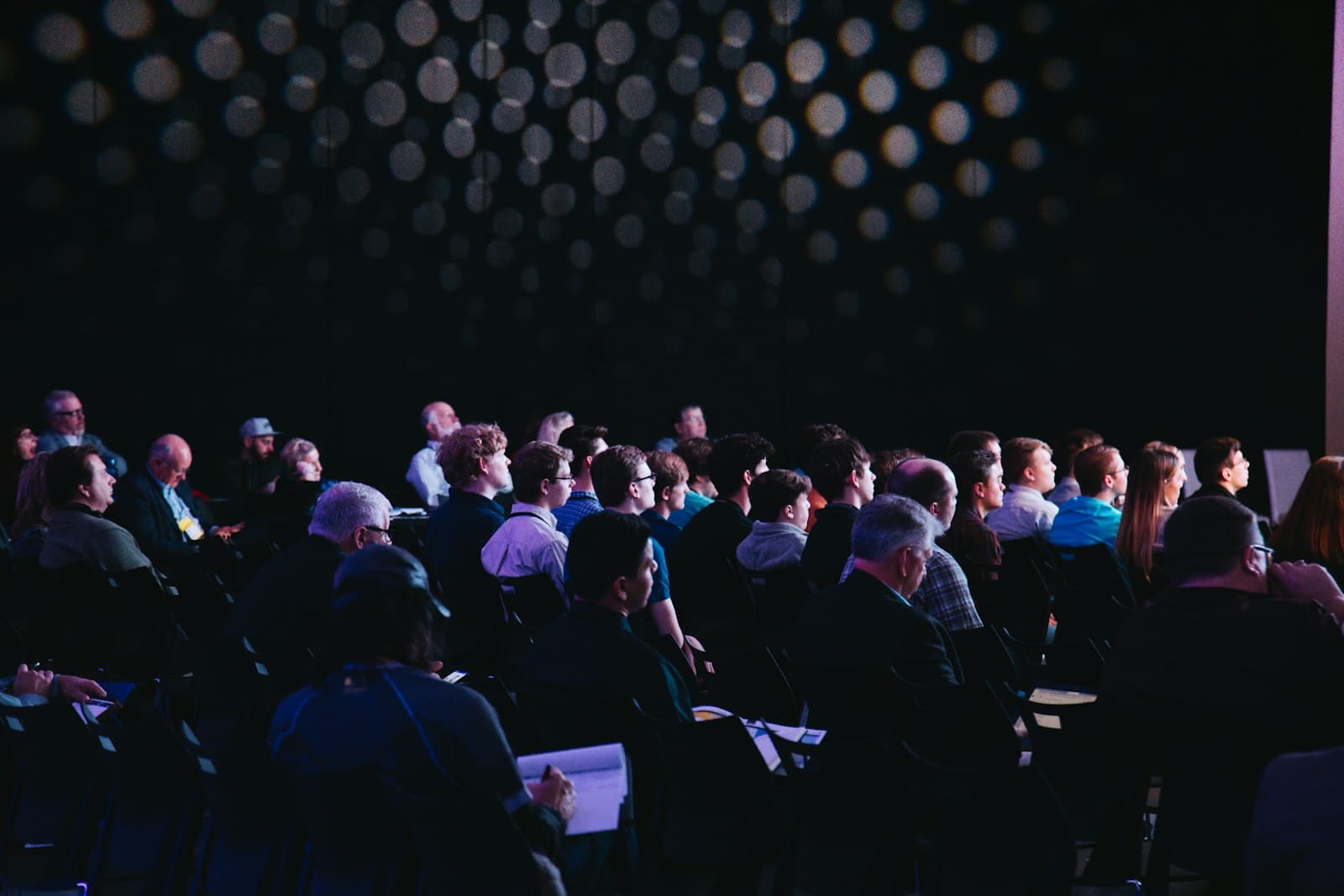
Every event runs on information that changes right up to the doors opening. The room moved. The keynote slipped 30 minutes. The parking lot filled and overflow is now across the street. Printed programs and mailed tickets freeze all of that in place weeks before anyone shows up — and then the day-of reality drifts away from the paper.
Dynamic QR codes fix a specific, high-value slice of that problem. Anywhere an attendee needs the current version of a ticket, schedule, map, or form, a single code on a badge, sign, or invite beats anything printed. Update the destination once and every code — on 500 badges, on the lobby banner, on the emailed invite — shows the new version instantly.
This guide covers how organizers actually use QR codes at events today: ticketing and check-in, live agendas, on-site wayfinding, lead capture, and the gotchas worth knowing before you print a thousand of them.
1. Tickets and contactless check-in
The most common event QR use case is also the highest-stakes: the ticket itself. Each attendee gets a unique QR code — in a confirmation email, an Apple/Google Wallet pass, or a printed badge — that staff scan at the door to admit them.
Two patterns, depending on your scale:
- Ticketing platform codes. Eventbrite, Ticket Tailor, and similar tools generate unique per-attendee codes and handle validation. Use these when you need to prevent duplicate entry and track exact admissions.
- A single dynamic code to a check-in form. For free or RSVP-style events, one shared QR code on the entrance sign points to a mobile form. Attendees scan, confirm their name, and you get a timestamped arrival log without a scanner app or turnstile.
The single-code approach won't stop a determined gate-crasher, but for meetups, community events, and internal company events, the simplicity wins. You get clean arrival data with a $0.50 sticker instead of a ticketing subscription.
2. Live agendas that survive schedule changes
Print the agenda in the program and it's wrong the moment a speaker cancels. Point a QR code at a live agenda page instead — on the badge, on lobby signage, on every table tent — and the schedule your attendees see is always the one you last edited.
When the keynote moves from Hall A to Hall B, you change one destination. Every attendee who scans after that sees Hall B. No reprints, no confused crowds standing outside the wrong room.
Put the agenda QR code everywhere attendees pause: badge backs, table tents, restroom mirrors, the coffee station. People scan when they're between sessions wondering "what's next?"
3. On-site wayfinding and maps
Large venues lose people. A QR code on directional signage — pointing to an interactive floor map, a "you are here" page, or a shuttle schedule — turns a confused attendee into a self-serve one.
For multi-day or multi-building events, this is where dynamic codes earn their keep: the same printed map code can point to Day 1's layout in the morning and Day 2's layout overnight, without anyone reprinting signage.
4. Lead capture at booths and sessions
If your event has exhibitors or sponsors, QR codes are the modern badge scanner. A code on each booth points to a form (or the exhibitor's landing page with a capture form) so attendees opt in with a scan instead of handing over a badge to be swiped.
The same works in reverse for sponsors evaluating your event: a QR on session signage that collects "notify me about next year" emails gives you a warm list for the next cycle. For the deeper playbook on scan-driven lead capture — forms, hidden fields, CRM routing — see tracking subcontractor sign-ins with QR codes; the workflow is identical even though the context is a job site.
5. Networking and digital business cards
Conferences are where paper business cards go to die in a lanyard pouch. A vCard QR code on the back of each attendee badge lets people swap contact info with a scan — name, title, email, LinkedIn, straight into the other person's phone contacts.
We cover the full setup — what to include, static vs dynamic, and why dynamic wins for anyone who changes jobs — in vCard QR codes for networking events.
6. Post-event surveys and content
The event doesn't end at the doors. A QR code on the closing slide, the exit signage, or the follow-up email drives attendees to a feedback survey while the experience is fresh, or to a page with session recordings and slide decks.
Because it's dynamic, one code carries attendees through the whole lifecycle: point it at the live agenda during the event, then swap it to the survey the moment sessions end, then to the recordings the following week. Same code on the same badge, three different jobs.
Static or dynamic — which for an event?
The rule for events is simple: if the destination might change, or if you want scan data, go dynamic.
- Tickets with unique per-attendee validation → use your ticketing platform's codes.
- Agendas, maps, surveys, lead forms, booth links → dynamic QR codes. These all change, and you want to know how many people scanned.
- A permanent link that will never change (rare at events) → a static code is fine and free.
For the full breakdown, see dynamic vs static QR codes: which should you use in 2026?.
Print and placement for a live venue
Events are chaotic scanning environments — bad lighting, crowds, glare off glossy banners. A few rules that keep scan rates high:
- Badges: 2 × 2 cm minimum, printed matte. Attendees scan from 20–30 cm, so small is fine, but leave a clear quiet zone (white margin ~10% of code width).
- Signage and banners: 5 × 5 cm minimum, larger for anything scanned from more than a meter away. Overflow signs read across a room — go 8 × 8 cm.
- Table tents: 3 × 3 cm works at arm's length.
- Matte, never glossy. Convention-center lighting is brutal and glossy laminate reflects it straight into the camera.
- Test at the venue if you can. Scan under the actual lighting, on iPhone and Android, before you print the full run.
What you can track
Every dynamic scan logs a timestamp, approximate location, and device. Across an event you'll see:
- Arrival curve — when people actually show up vs when the doors open.
- Which signage works — the lobby banner vs the badge vs the table tent, by scan volume.
- Agenda pressure — a spike in agenda scans right before a session means people are hunting for the room; maybe your signage isn't clear.
- Session interest — booth and session codes tell you what drew the crowd.
You won't see who scanned unless they submit a form on the destination — the scan data is anonymous counts. That's usually all you need for operational decisions. For the full analytics walkthrough, see how to track QR code scans.
Common mistakes
- Baking the agenda into a static code. The one thing most likely to change at an event should never be frozen. Always dynamic.
- One giant code for everything. "Scan for tickets, agenda, map, and survey" overwhelms people. One code, one job, per placement.
- Glossy badge lamination. Kills scan rates under event lighting. Matte only.
- No fallback for dead Wi-Fi. Convention-center Wi-Fi buckles under 500 phones. Keep a printed room list at the info desk as backup, and keep destination pages lightweight so they load on cellular.
- Forgetting to swap the destination. The whole point of dynamic is that you update it — agenda to survey to recordings. Put the swaps on your run-of-show checklist.
A 2-week event rollout
- Two weeks out: Decide which codes you need — ticket/check-in, agenda, map, lead capture. Build the destination pages.
- 10 days out: Generate dynamic QR codes in QRDyno for each. Point them at the live pages.
- 1 week out: Print badges, signage, and table tents. Test-scan every size under real-ish lighting.
- Day before: Final destination check. Confirm the agenda page is current.
- Event day: Monitor scan volume. Swap agenda → survey at close.
- Week after: Point the survey code at recordings; email the follow-up.
Tying it together
The badge, the banner, and the invite are all just paper — the QR code is what keeps them current after they're printed. Start with the two codes that hurt most today: check-in and the live agenda. Get those working at one event and the rest are easy to add.
See more on QRDyno's event-specific QR setup → — the free plan covers three dynamic codes, enough to run check-in, an agenda, and lead capture at your next event before committing.
Keep reading
Related guides
 food-truckstutorials
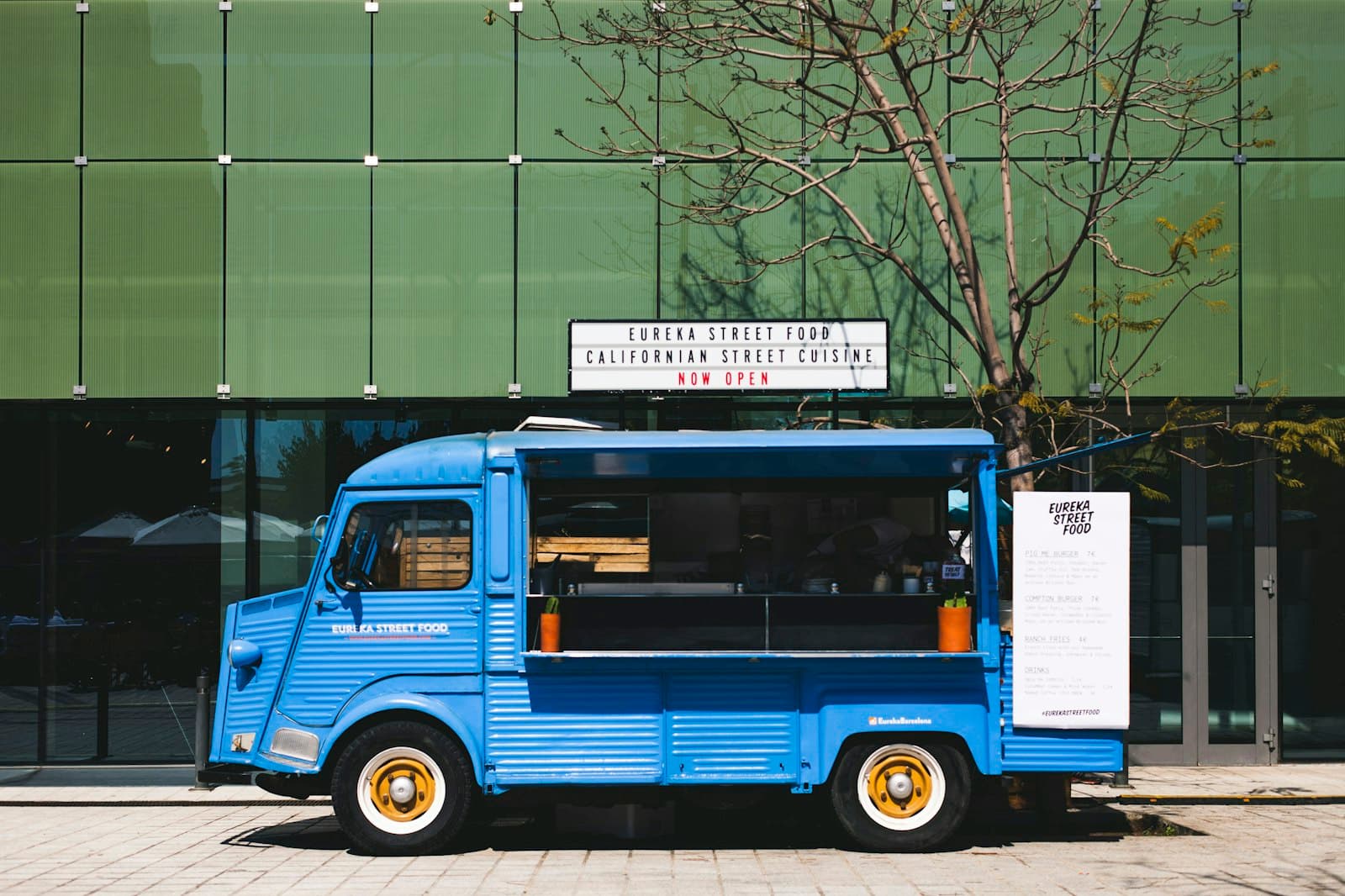
Food Truck QR Codes: Menu, Location, and Reorders Without a POS Upgrade
How food trucks use dynamic QR codes for menus that update with the daily special, a location code that tells fans where you're parked, and reorder links that build repeat business.
7 min read constructiontutorials
Tracking Subcontractor Sign-Ins with QR Codes: A Practical Workflow
Replace the clipboard at the trailer entrance with a QR code that captures every subcontractor sign-in into your CRM or spreadsheet. Step-by-step setup.
6 min read constructiontutorials
Equipment Safety Briefings via QR: How Foremen Replace Paper Manuals on Site
How to replace paper SOPs and safety binders with PDF QR codes that survive the job site, pass an audit, and actually get scanned.
7 min read
Ready to try it?